Transcripts
Pinepods supports Transcripts as defined by the PodcastIndex Namespace. When an episode's feed includes a transcript, its episode page shows View Transcript, which opens the transcript in Pinepods. Episodes with both a published and an AI transcript let you switch between Built-in and AI.
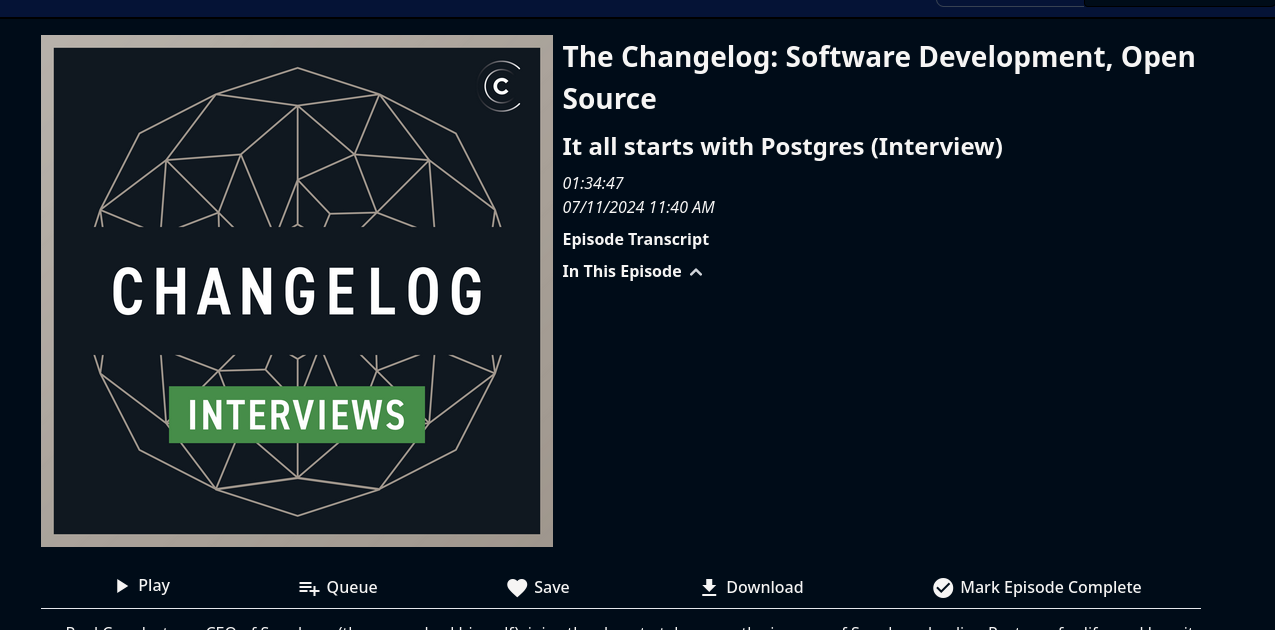
In the Transcript tab:
- Find in transcript highlights a word or phrase in the transcript. Press Enter (Shift+Enter) or use the arrows to move between matches.
- While the episode plays, the line being said is highlighted.
- Clicking a line's timestamp plays the episode from there.
Published transcripts are also stored on your server so you can search inside them.
AI-generated transcripts
Even when a podcast doesn't publish its own transcript, Pinepods can generate one with AI using the optional AI container — complete with a timecoded, clickable view. It's also the foundation for AI ad detection.
See AI Transcription for how to set it up and use it.